A clear identity
Manufacturer, product, edition, and formats. Similar names shouldn’t hide important differences.
 FreshyFresh●
A fresh perspective on your plug-ins
Less hunting through a folder of plug-ins. More finding the right tool for the music in front of you.
Interface: FabFilter Pro-Q 4 · illustrative browser layout
A library you can actually explore
Start with a manufacturer, follow a sound, or think about the project. We’re exploring views that make every kind of discovery feel natural.
A simple manufacturer list. A focused plug-in view. The useful details close at hand, with the full research ready when you want to go deeper.
Browse the current Universe ↗Design direction preview. The link opens the current public browser.
Sometimes the interface is the thing you remember. A visual catalog brings that recognition forward, then connects it to techniques and practical uses.
Explore the Pro-Q 4 profile ↗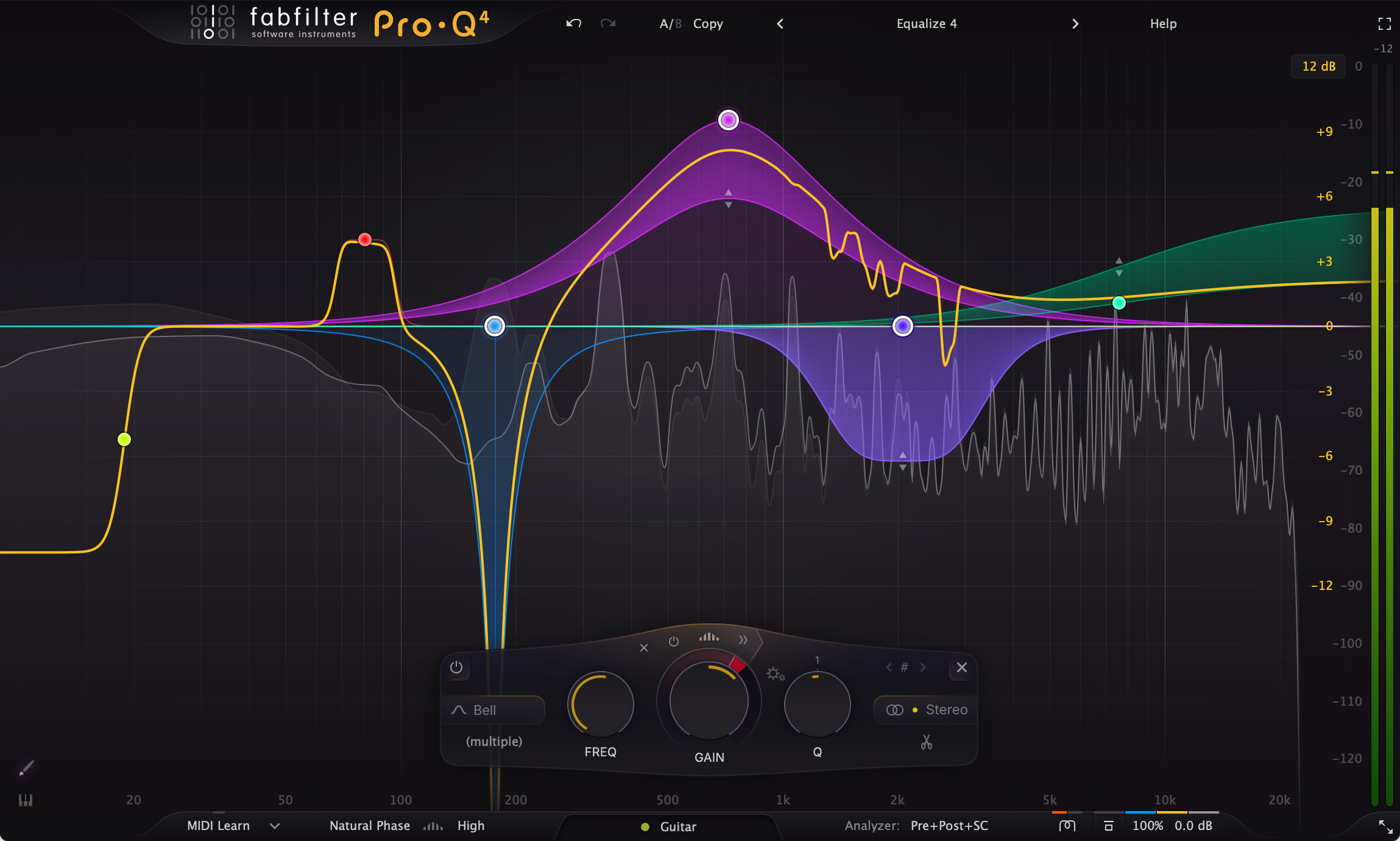
Design direction preview, using an existing public product image.
A place for the tools you want to try on a song: a vocal that needs detail, drums that need movement, or a texture you haven’t made yet.
Find tools for your next project ↗Clarity · tonal shaping · space
Dynamics · texture · rhythm
A little room to experiment
Illustrative project bins. This preview does not create or save a project.
Manufacturer, product, edition, and formats. Similar names shouldn’t hide important differences.
Everyday uses and creative starting points, with the context that makes a technique worth trying.
Product pages, documentation, and research sources. See what is supported and what still needs an answer.
FreshyFresh on your Mac
Capture installations, explore your plug-ins, and prepare for your next Mac. Your local Vault keeps the records readable, with optional cloud tools for the next step.
Open My Migrations ↗Keep installation snapshots and notes together in your local Vault.
Look through your plug-ins and the formats you have installed.
Save a migration checklist and review it before setting up a new system.
Less searching. More making.